Export PDF Pages as JPG: What Changes and What to Check
Export PDF pages as ordered JPG images and inspect the result. Understand why images are different from editable PDF or Word text.
Exporting a PDF as JPG produces pictures of its pages. It is useful when you need a page image, but it is not the same as converting the document into editable text. Choose this output deliberately.
For an illustrative example, a five-page PDF should produce a set representing all five pages. After extracting the download, inspect the sequence before uploading individual images elsewhere. A folder view sorted in an unexpected order can make a correct export look confusing.
Decide whether an image is appropriate
If the next task is copying paragraphs into Word, an image export adds an extra recognition step. Use PDF to Word for an editable-document workflow instead, and review its output. If the source is a scan, consult the scanned-versus-digital guide to understand what information is available.
An image does not preserve selectable text, PDF form interactions or document bookmarks as functioning PDF features. Do not promise those features will remain usable in a JPG.
Export the pages
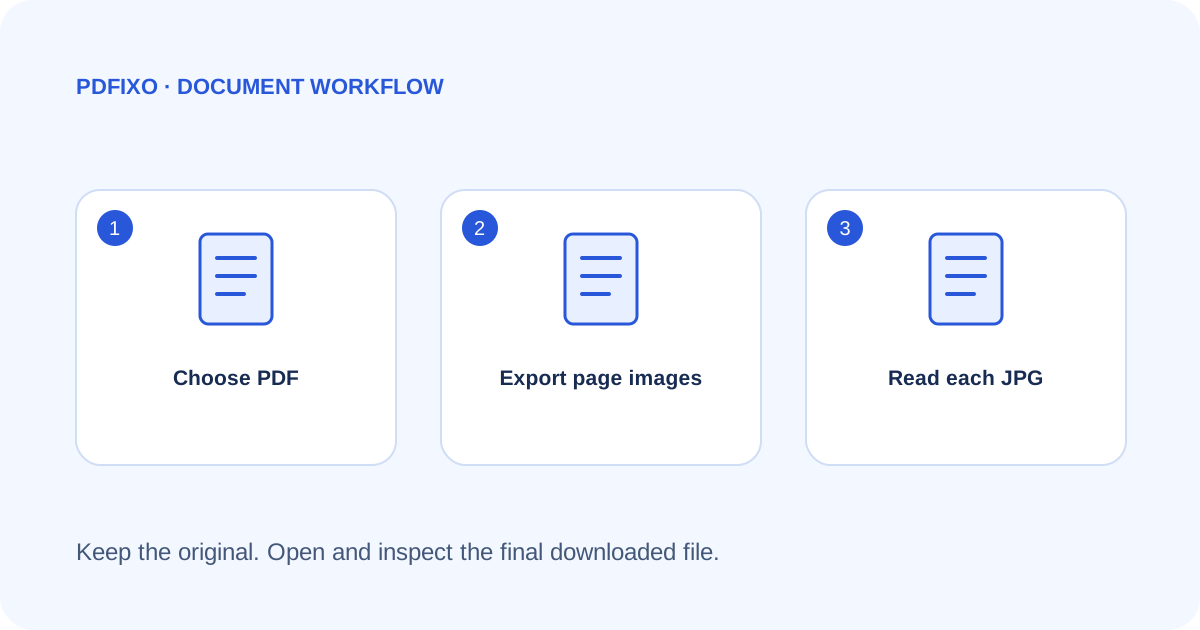
- Open PDF to JPG and choose the PDF.
- Run the page-image conversion.
- Follow the current download and sign-in requirements.
- Extract the ordered JPG files from the downloaded ZIP.
- Open each image, including pages near the end of the source.
Check the extracted filenames and page count before renaming files. If sharing a subset, identify the page contents rather than guessing from a thumbnail.
Review readability
Zoom into small characters, decimal points, table borders and faint notes. A page may look attractive as a thumbnail while a critical value is hard to read at normal size. Inspect any illustration or photograph whose detail matters.
JPG is an image format, so repeated saving through image editors may change image quality. Keep the first exported set and the original PDF while making any later versions. This guide does not promise lossless reconstruction or an exact visual match for every source.
Keep the intended document structure
If the recipient needs the complete document with page navigation, the original PDF may be more suitable than a collection of separate images. If a portal explicitly asks for image files, check its actual size and format requirements before uploading.
The supported export is described on PDFixo's PDF to JPG page. Converting a page to a picture is not a privacy or authenticity guarantee: visible private information remains visible in the image. Review what the image contains before sharing it.
Found an unclear step or an outdated detail? Tell our support team.