
PDF tips, guides and document workflows
Useful articles designed to answer real PDF questions and help you find the right tool.
Delete Unwanted PDF Pages: A Safe-Sharing Checklist
Remove unwanted pages and verify the remaining document. Check viewer page positions, continuity and private content still visible on retained pages.
Read article →
Rotate Only the Sideways Pages in a Mixed-Orientation PDF
Fix sideways pages in a PDF while keeping correctly oriented pages unchanged. Identify viewer positions and inspect the exported orientation.
Read article →
Combine Photos Into One PDF With Readable, Ordered Pages
Turn document photos into one PDF without confusing page order. Check orientation, cropped edges, readability and the final PDF before submitting it.
Read article →
Extract Nonconsecutive PDF Pages Without Losing Their Context
Choose nonconsecutive PDF pages with a clear range list. Verify viewer page numbers, missing context and the downloaded subset before sharing.
Read article →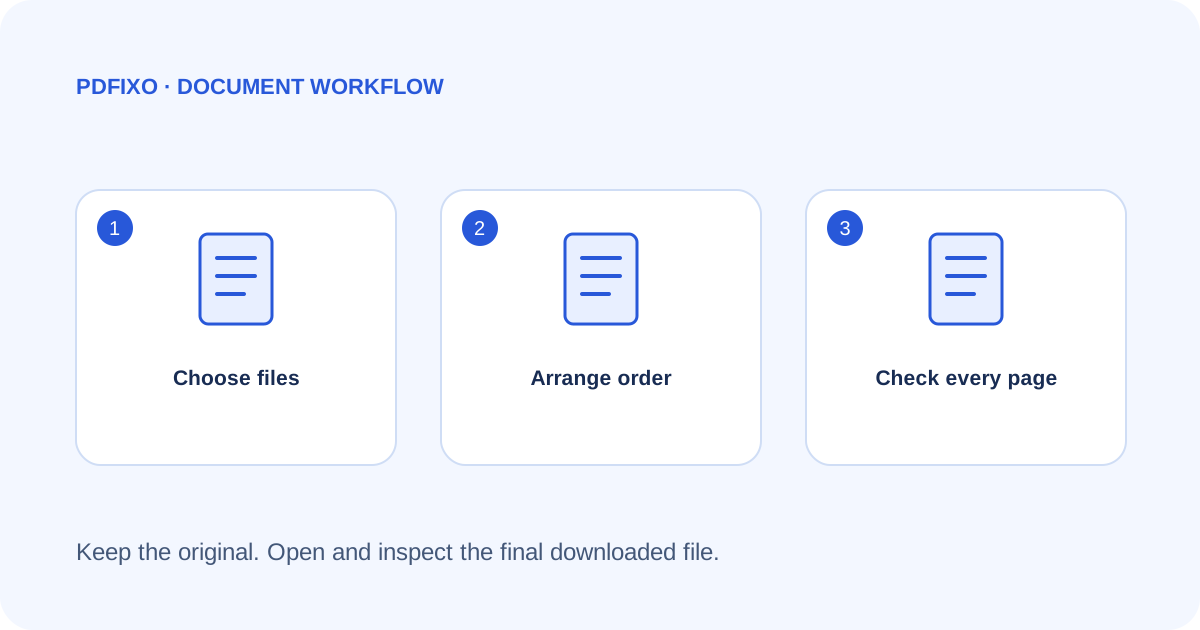
Merge PDFs in the Right Order: A Page-by-Page Checklist
Combine PDFs without mixing up attachments. Plan the order, merge the files, then check page count, orientation and key details in the downloaded document.
Read article →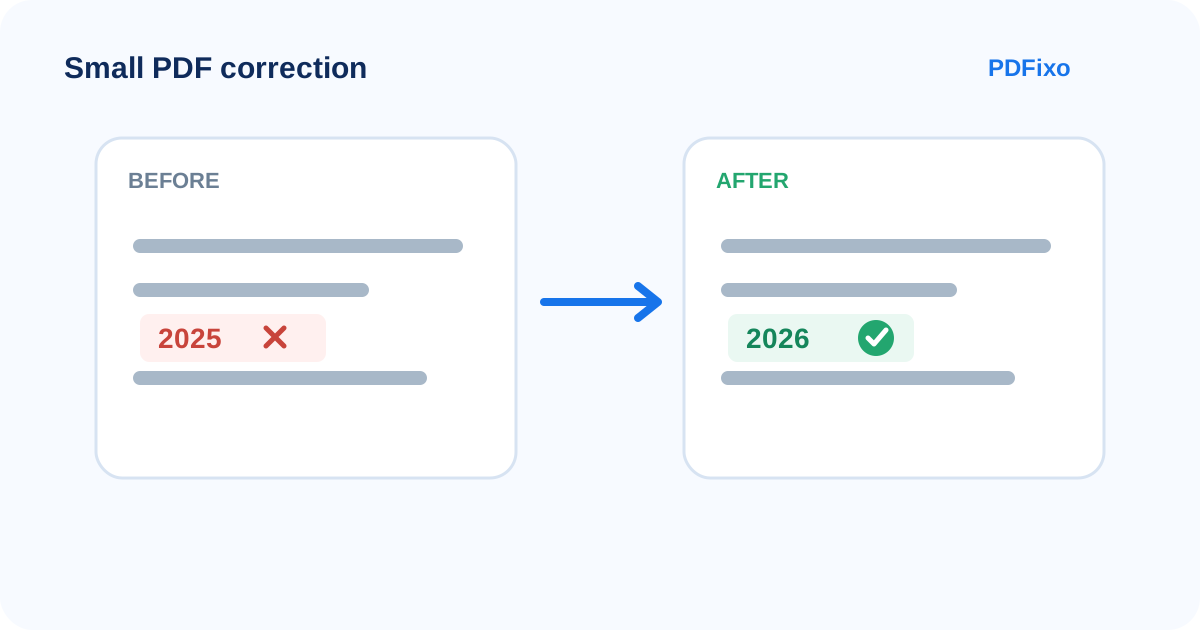
How to Fix a Typo, Date or Number in a PDF Without Converting to Word
Make a small correction directly in a PDF when the text is selectable, then check font, spacing and layout before downloading.
Read article →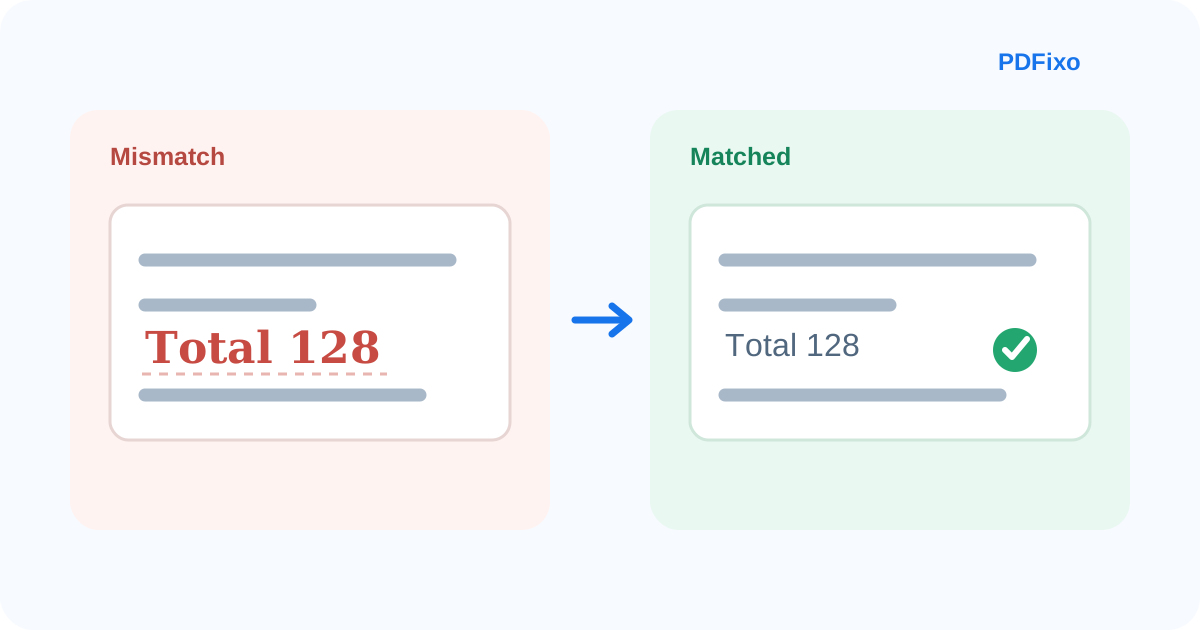
Why Edited PDF Text Looks Different: Fonts, Size and Spacing Explained
Learn why replacement text may not match a PDF and how font availability, size, spacing and text length affect the final layout.
Read article →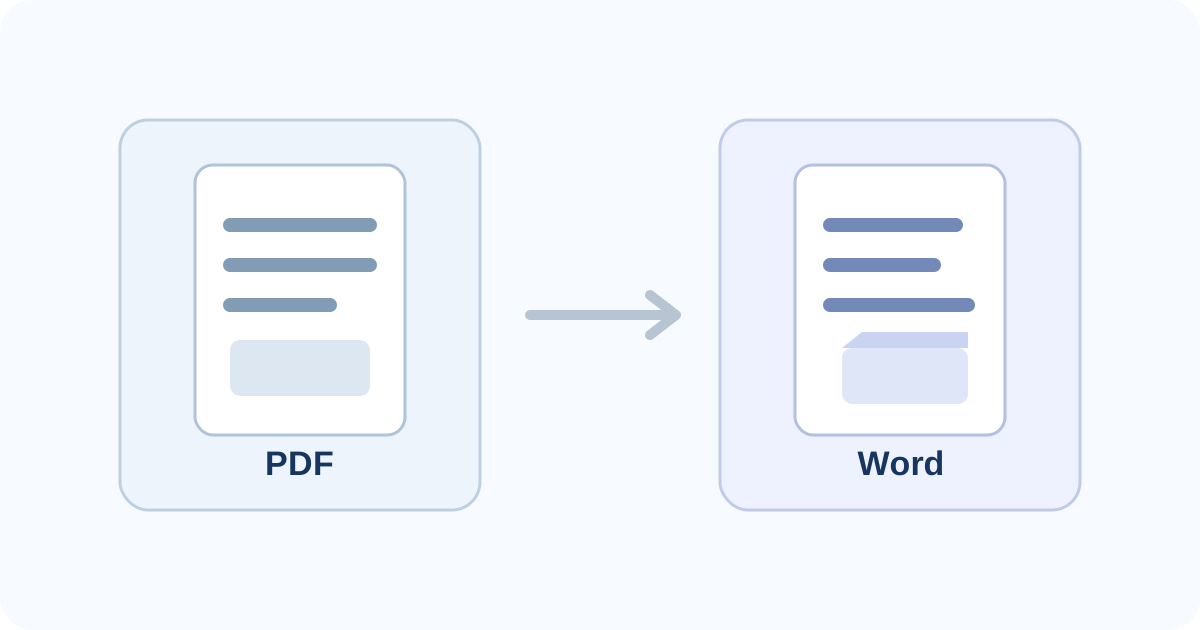
Why PDF-to-Word Formatting Changes — and How to Reduce Layout Problems
See why PDF-to-Word conversion can move text, tables and page breaks, and how to choose between editability and visual fidelity.
Read article →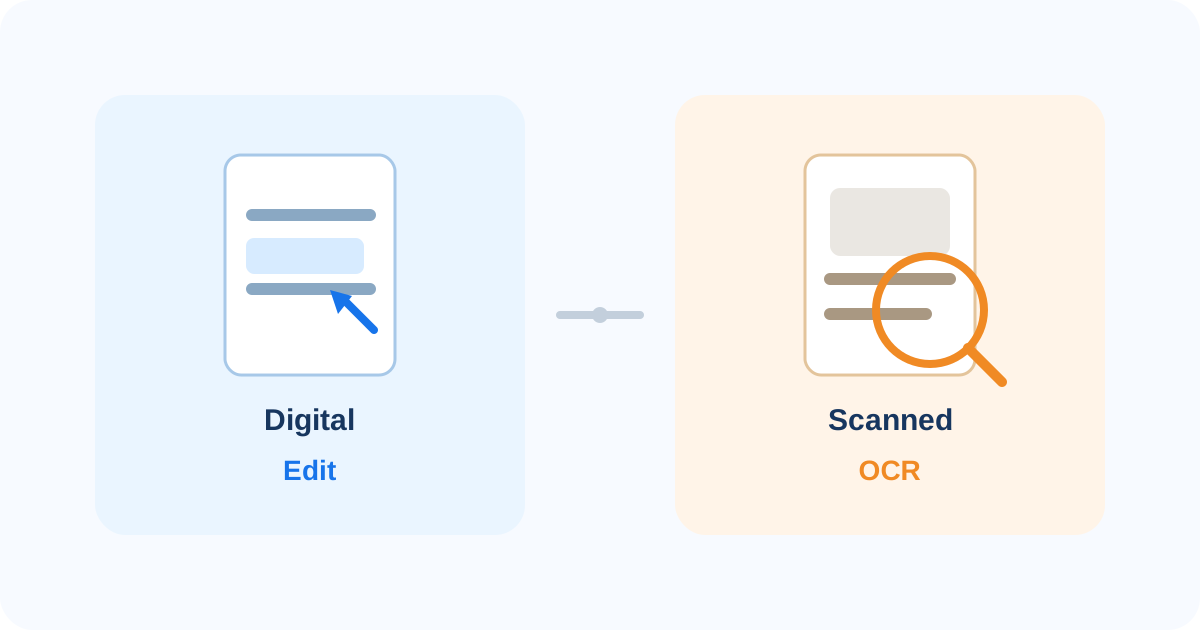
Scanned PDF vs Digital PDF: Which Editing Method Should You Use?
Learn how to tell a scanned PDF from a digital PDF and choose direct editing, OCR or PDF-to-Word without using the wrong workflow.
Read article →